Playlist tabs
Organize media cues by show segment and jump between sets quickly.
Run audio, video, images and lighting cues from Media Board for Windows. Build DMX timelines, synchronize lights with media, or launch lighting-only buttons alongside your playlists.
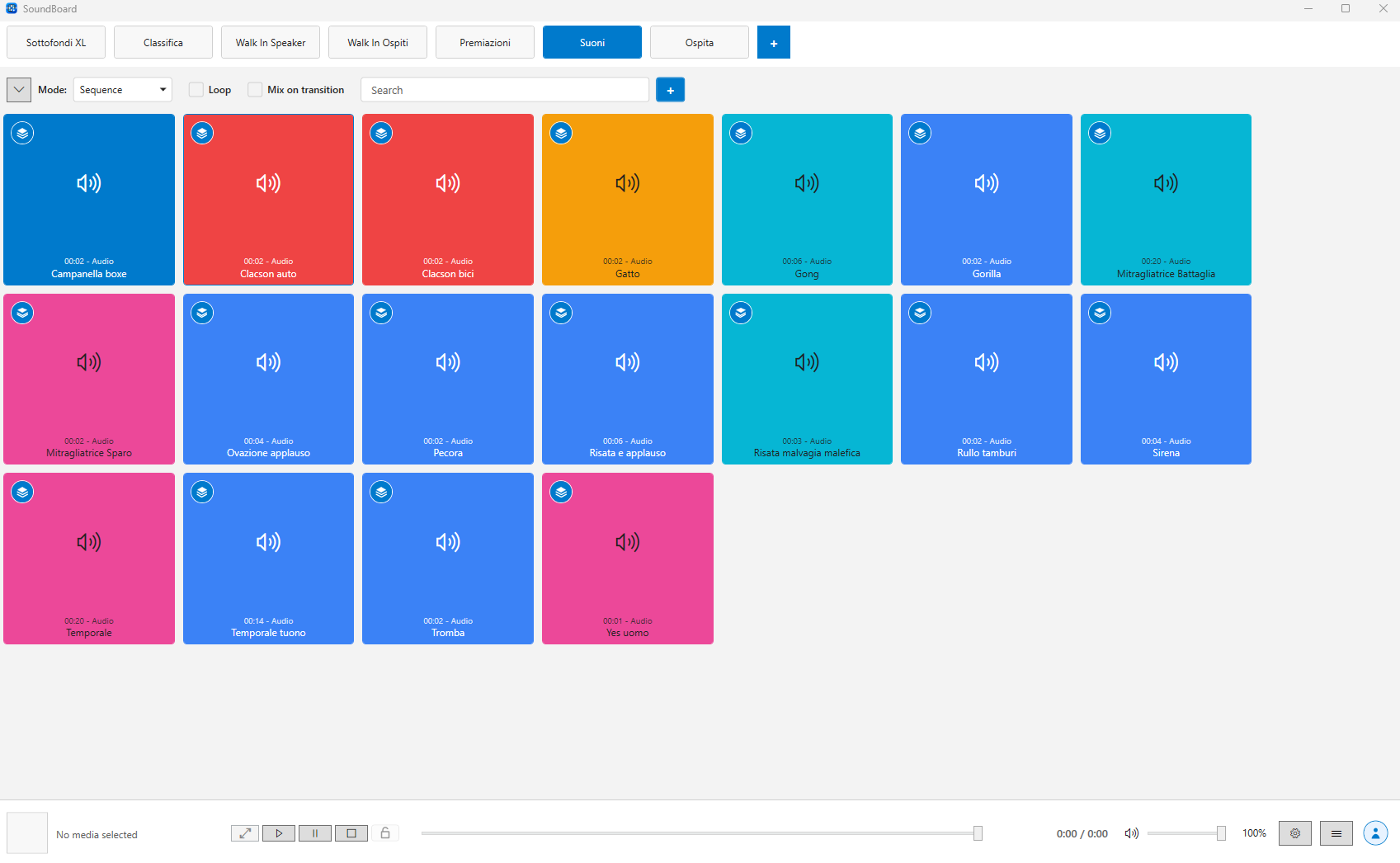
Organize media cues by show segment and jump between sets quickly.
Send images and videos to a dedicated display while controlling playback locally.
Keep your license, profile and future cloud features connected to the desktop app.
Prepare lighting for entrances, stage scenes and music cues, then trigger it from the same board you use for media.
Add fixture tracks and timed segments. Use keyframes and transitions for colour, dimmer and movement, with controls matched to each fixture profile.
Attach a DMX timeline to a media button for synchronized playback, or create a lighting-only button. Reuse saved timelines across your show.
Select a compatible USB/DMX interface, set fixture addresses and channel modes, then enable Live DMX preview to check your lights while editing.
Try DMX playback on one selected button for free. A DMX plan enables all linked buttons; fixture creation and timeline editing remain available without it. Physical lighting requires compatible hardware.
Media Board is built for people who need to trigger audio, video and still images quickly while the room is moving. Playlist tabs, colored media buttons and the Now playing panel keep the current state visible without slowing you down.
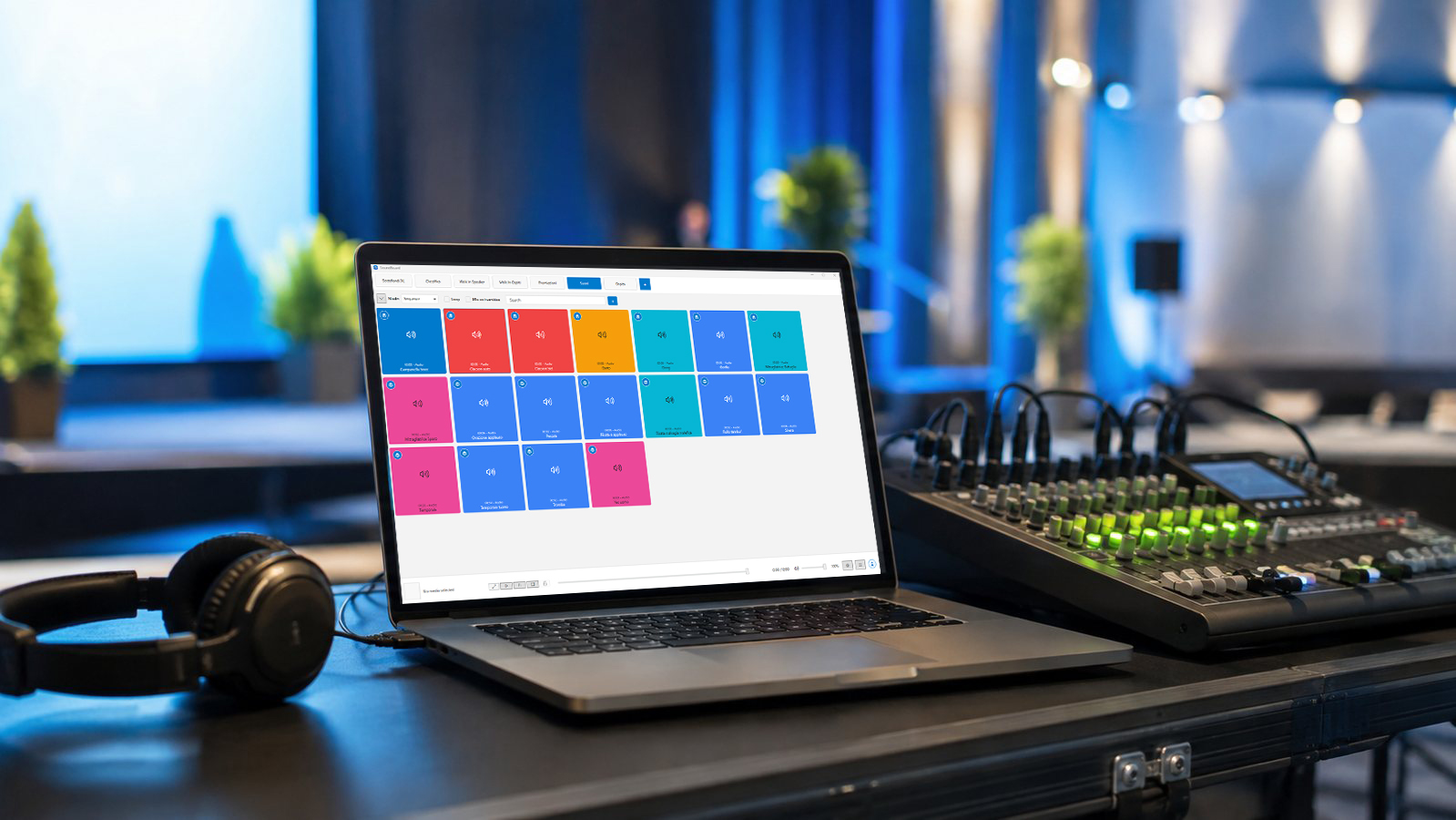
Launch jingles, timers, intros, background loops and visual cues from dedicated playlists.
Coordinate DMX lighting cues with media and send video and images to a second display.
Prepare entrance music, applause, voiceovers and hold screens before the audience arrives.
Keep sound effects, loops, branded screens and emergency bumpers organized in one place.
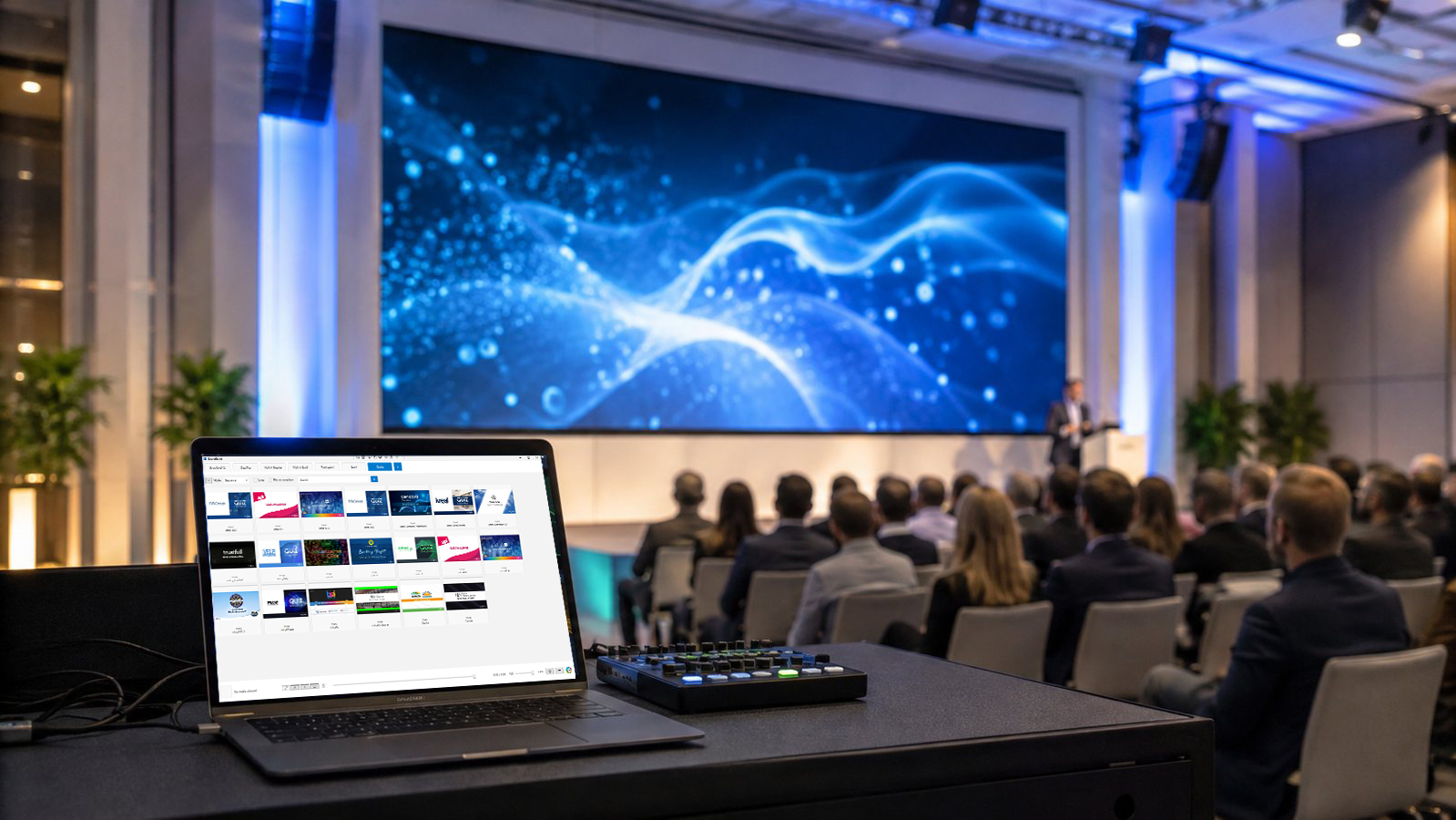
Open the secondary window on the selected monitor, keep a fallback image ready, and show only the visual media that belongs on screen. Audio-only tracks stay audio-only; videos and images can be displayed when the output window is available.
Add audio, video and image files, with automatic media recognition and optimized cover generation.
Group cues in playlists, reorder buttons, apply colors, duplicate, move or copy media between tabs.
Trigger clips with cuts, fades, overlap playback, loop lock and a persistent Now playing view.
Use local backups, online account limits, license refresh and cloud snapshots when your plan allows it.
Download Media Board for Windows to organize media and create DMX timelines. Try lighting playback on one selected button for free with a compatible USB/DMX interface.
Download for Windows